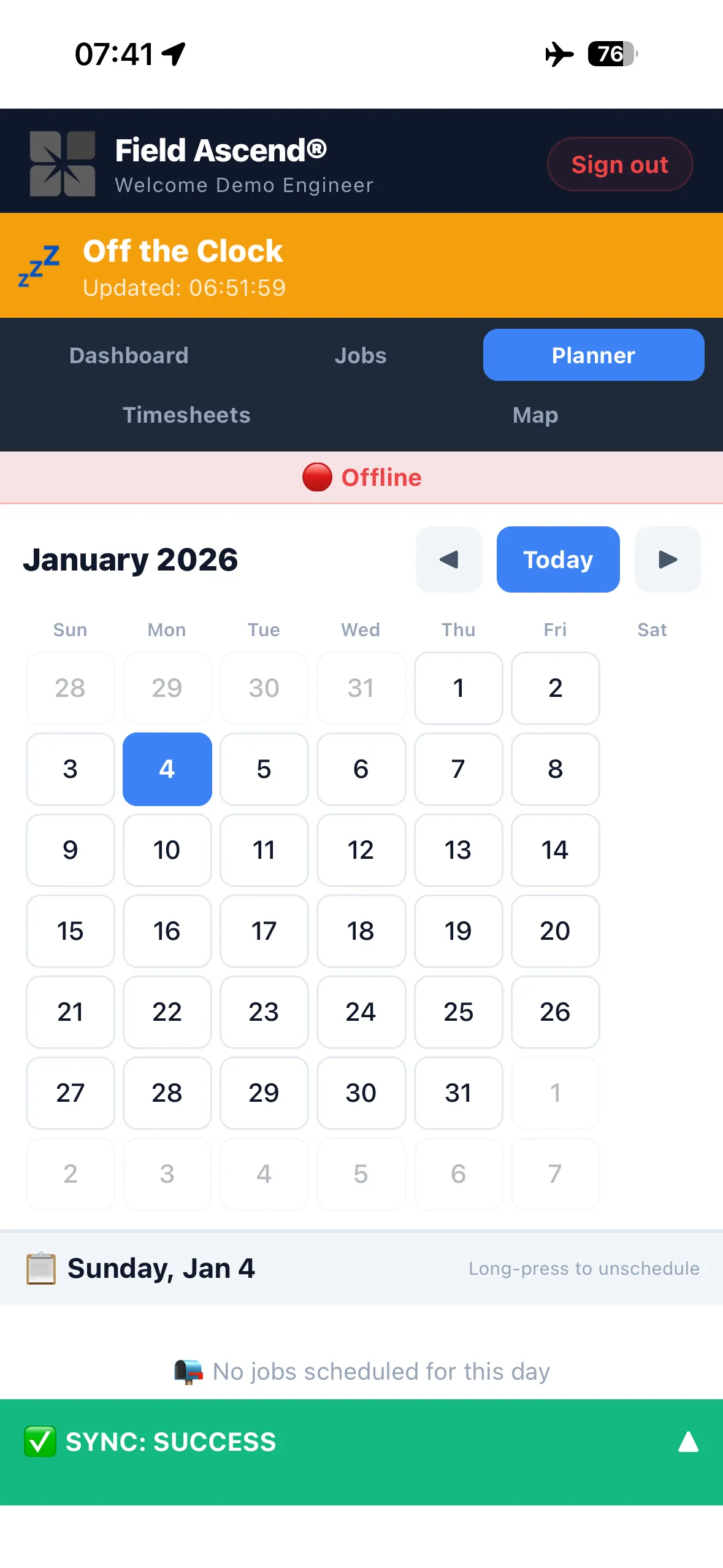
Built for the reality of field work. Our mobile app stores everything locally using SQLite - job details, photos, signatures, timesheets - then syncs automatically when connection returns. No loading screens. No lost data. No excuses.
Whether your engineers work in basements, plant rooms, lift shafts, tunnels, or rural areas with patchy signal, they'll have everything they need on their phone.
iOS & Android · Included with all Field Ascend plans
Most field service apps claim to work offline, but they're really just caching pages. Open a job you haven't viewed recently? Wait for it to load. Try to save something? Queued until you're back online - if it doesn't fail silently.
Field Ascend is different. We built the app offline-first from day one. Every job, every equipment record, every check sheet is stored locally in SQLite on the engineer's device. The app doesn't need to "fetch" anything - it's already there.
When engineers complete work, capture photos, or collect signatures, it all saves instantly to local storage. A background sync process handles the upload when connectivity returns. No spinning wheels. No "please wait." No lost work.
This matters for lift engineers in basement machine rooms, HVAC technicians in commercial plant spaces, and any engineer working in areas where mobile signal is unreliable or non-existent.
Simple for engineers. Powerful under the hood.
Assigned jobs sync to the device automatically, including full equipment history and documents.
Engineers complete jobs, take photos, collect signatures - all saved instantly to local SQLite database.
Every change is queued for sync. Nothing waits on the network - engineers keep working without interruption.
When connectivity returns, background batch sync uploads everything. Office sees updates in real-time.
Everything your field team needs to complete jobs professionally - on their phone or tablet.
View full job details, customer information, site address, and job history. Complete work notes, record parts used, and update status - all in one place.
Capture before/after photos, document defects, and attach evidence to jobs. Photos compress automatically and queue for background upload.
Collect customer signatures on completion. Engineer sign-off for compliance. All stored securely with timestamp and GPS coordinates.
Log travel time, onsite time, and return journey with simple tap controls. GPS verification available for accurate timesheet records.
View equipment details, service history, and previous job notes. Scan QR codes for instant asset lookup. Update equipment status on completion.
Complete PPM check sheets, safety forms, RAMS acknowledgements, and custom questionnaires. All mandatory fields enforced before job completion.
Daily vehicle inspection checklists with photo evidence. Flag issues instantly. Full audit trail for fleet compliance.
Built-in lone working features with check-in prompts, panic button, and automatic escalation. No separate app required.
Log refrigerant charges, recoveries, and leak checks directly on site - even offline. F-Gas data syncs automatically when signal returns. Force rules ensure compliance before job completion.
View manuals, datasheets, and site documents offline. PDFs download automatically with job data so engineers have everything they need.
Not all offline capabilities are equal. Here's how Field Ascend compares.
| Capability | Field Ascend | Typical FSM Apps |
|---|---|---|
| View any assigned job without signal | ✓ Always available | ✗ Only if recently cached |
| Complete job and save immediately | ✓ Instant local save | ✗ Queued, may fail |
| Take photos without connection | ✓ Stored locally, auto-uploads | ✗ Often requires signal |
| Access equipment history offline | ✓ Full history synced | ✗ Limited or none |
| Works in basement/lift shaft | ✓ Designed for it | ✗ Unreliable |
| No loading screens | ✓ Data already local | ✗ Fetches from server |
Our customers work in environments where other apps simply don't function.
Basement plant rooms with concrete walls and zero signal. Engineers access full job history and complete LOLER checks without connectivity.
HVAC engineers working in building cores and service corridors. All equipment data and check sheets available offline.
Remote locations with patchy mobile coverage. Engineers complete work and it syncs when they return to better signal.
Tunnels, underground car parks, and subterranean utility spaces. True offline means work doesn't stop.
Hospitals with signal-blocking construction and restricted phone use areas. Complete work documentation when and where needed.
Agricultural buildings, remote estates, and areas with limited mobile infrastructure. Sync happens automatically when driving home.
Clean interface. Fast performance. Works everywhere.
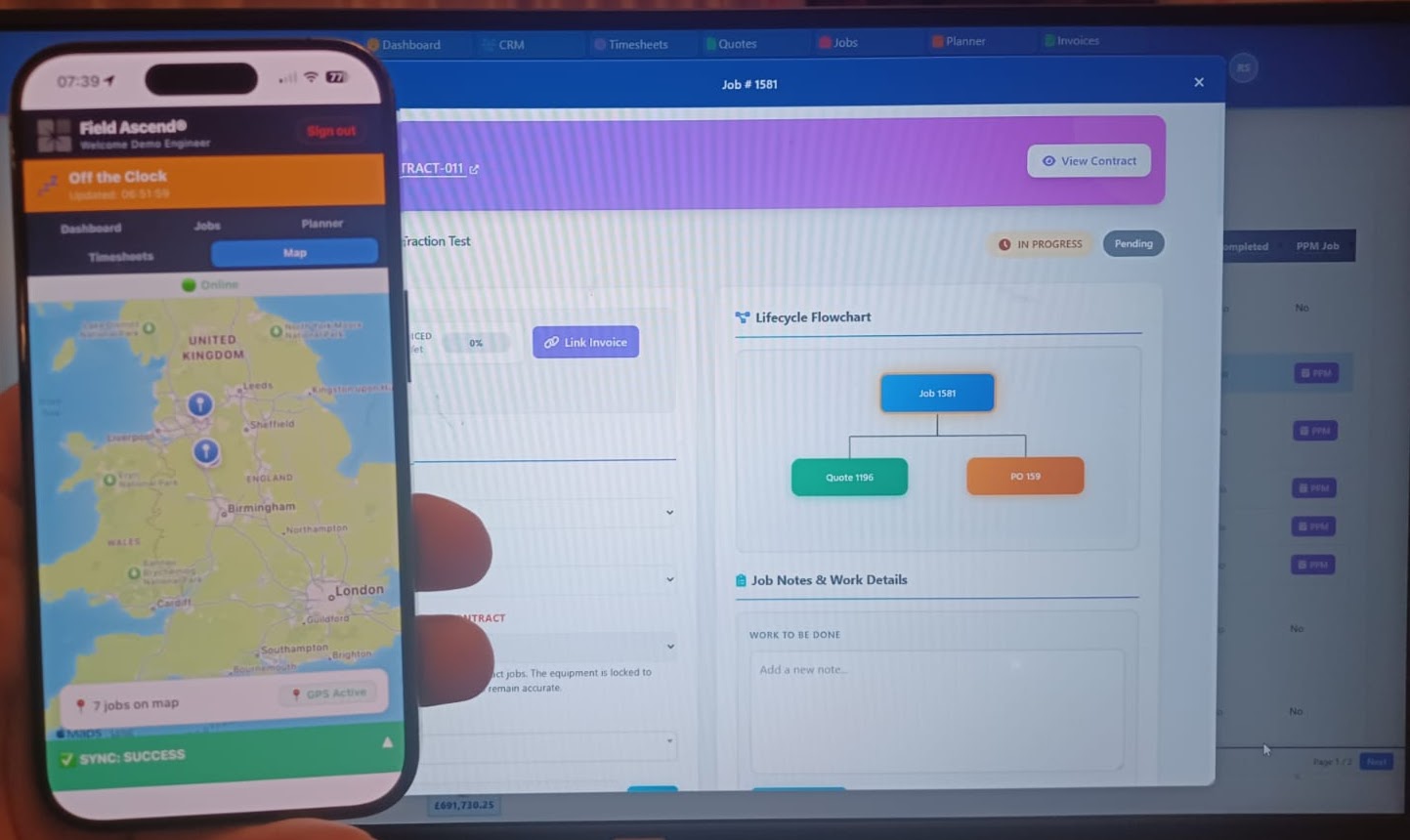
Yes. Field Ascend uses true offline-first architecture with SQLite local storage. Engineers can view jobs, complete work, capture signatures and photos, and log time without any internet connection. Everything syncs automatically when connectivity returns - no manual action needed.
The app runs on iOS (iPhone and iPad) and Android devices. It's built with React Native for consistent performance across platforms. We recommend devices with at least 2GB RAM and a recent OS version for optimal performance.
The app itself is around 50MB. Job data is typically small, but photos can add up. We recommend engineers have at least 1GB free space, though the app compresses images automatically. Old synced data is pruned periodically to manage storage.
Because data saves locally immediately, nothing is lost. When the phone charges and restarts, the app picks up exactly where it left off. Partially completed jobs, photos, and time entries are all preserved.
Yes. Each engineer has their own login and sees their assigned jobs. For two-person jobs, both engineers can log their own time and notes. The system tracks contributions per engineer for accurate reporting.
Yes. Engineers who prefer a larger screen can access their jobs via the engineer web portal on any browser. The mobile app is recommended for field work, but the web portal works well for desk-based tasks like timesheets and document viewing.
The mobile app is part of the complete Field Ascend platform.
Visual planner board pushes jobs to engineer devices automatically.
Automated maintenance jobs with asset-linked check sheets.
Office sees real-time engineer location and job progress.
Completed jobs flow through to invoicing automatically.
Start your 30-day free trial. iOS and Android app included.
Start Free Trial