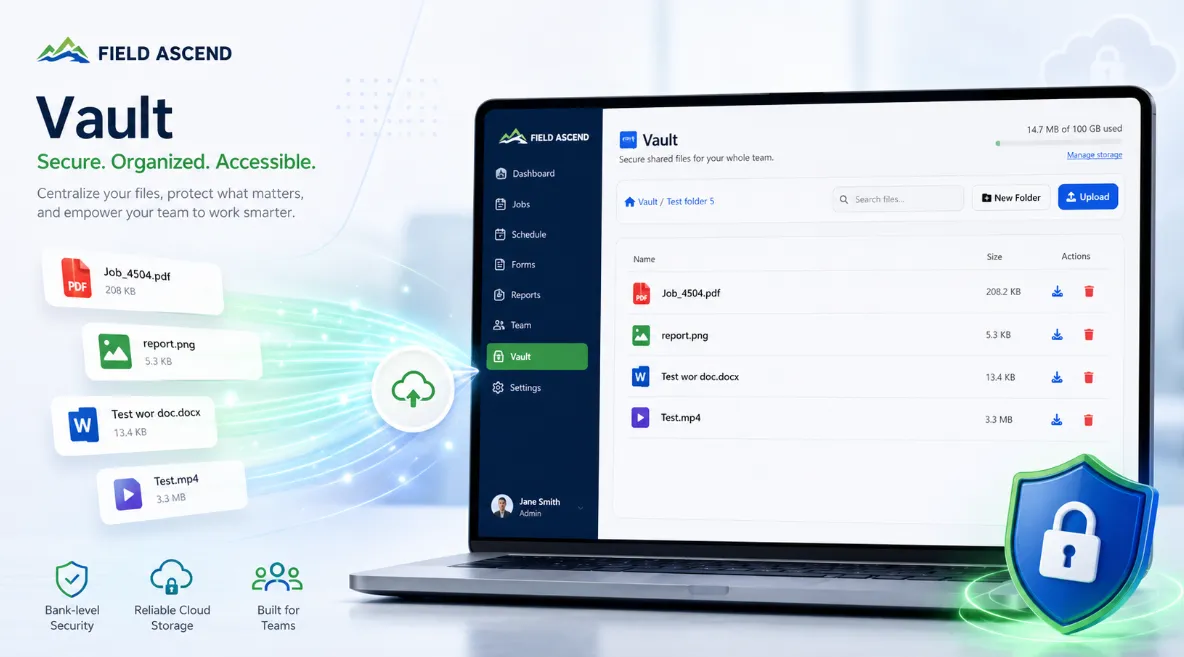
Field Ascend Vault is field service software with document management built in. Store your O&M manuals, certificates, safety data sheets, install guides, and company policies in one secure, shared library - with folder-level access control and instant access on the technician mobile app. No separate document management system bolted onto the side of your FSM. Vault is an optional add-on, billed per 100 GB block.
30-day free trial · Full access to all features ·
Watch how document management works inside Field Ascend field service management software - storing manuals, certificates, schematics, and safety data sheets in one secure library, with folder permissions for technicians, admins, and office staff.
Most field service teams keep documents in too many places at once: email attachments, a consumer cloud drive, a shared network folder, a few binders in the truck, and someone's laptop. When a technician needs the install manual at 4pm on a Friday, it is a coin toss whether they find it. Field Ascend is field service management software with document management built into the same database your dispatch, scheduling, and work orders already use.
Manuals, certificates, SDS, and policies live in one organized, searchable place that everyone references the same way - not scattered across inboxes, drives, and trucks. New hires learn one system, not five.
Open a folder to the whole field team or lock it to administrators. Share pricing with the office, manuals with technicians, and HR files with managers only. Separate view and upload rights mean the right people read, and only the right people change.
Technicians reach Vault from the mobile app they already use for jobs - no second app, no extra password, no separate document management subscription to manage alongside your FSM license.
Vault gives you a clean folder structure you design around how your business actually works - by equipment type, by manufacturer, by trade, by site, or by document category. It is not a dumping ground; it is a maintained library.
When a technician needs the service manual for a specific model you install everywhere, the answer is one tap away - not lost in a thread titled "FW: FW: manual?".
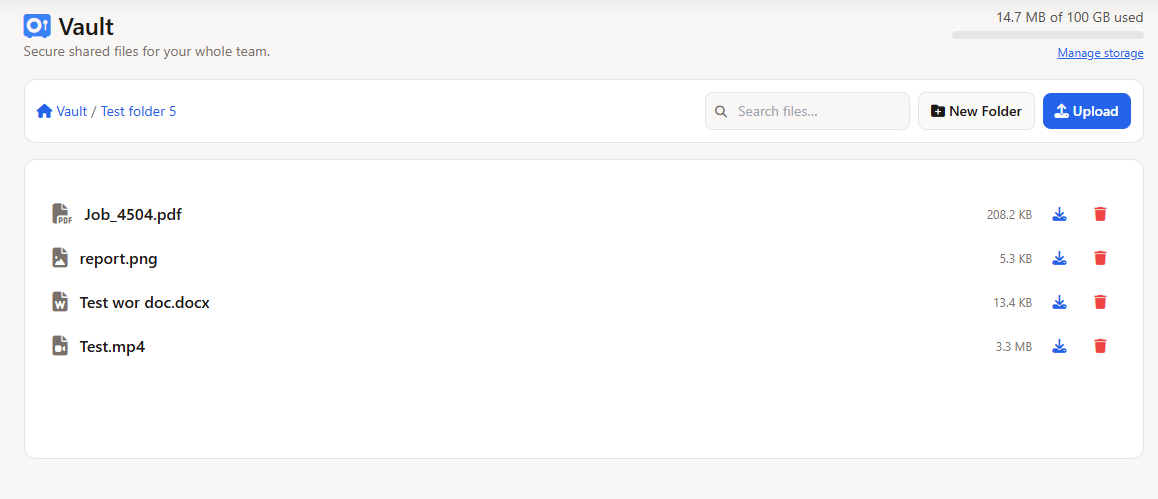
Open a file with Preview. Word, Excel, and PowerPoint convert the first time, then you read them in the viewer. Search sits at the top and is labeled Search names & contents…, so a phrase inside an SDS can surface the file, not only the file name.
Vault remains a paid add-on, sold in 100 GB blocks. Preview, versions, and sharing sit inside that storage, not as a second product.
Not every document should be visible to everyone. Vault puts access rules on every folder so sensitive files stay private and shared references stay available.
Open a folder to the entire company, restrict it to administrators, or grant it to specific teams, departments, or individual users. Decide separately who can upload and who can only view and download - so a technician can read the manuals without being able to delete or replace them.
Because Vault uses the same accounts and roles as the rest of your field service platform, you manage one set of permissions, not two.
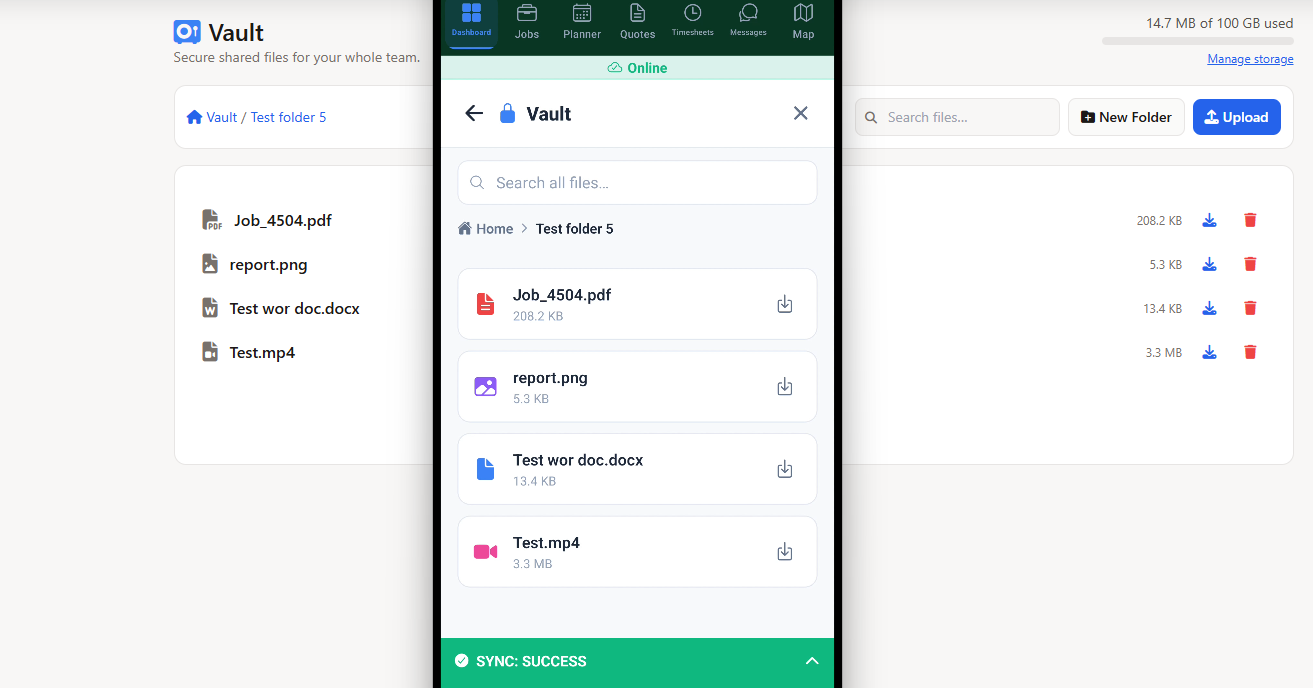
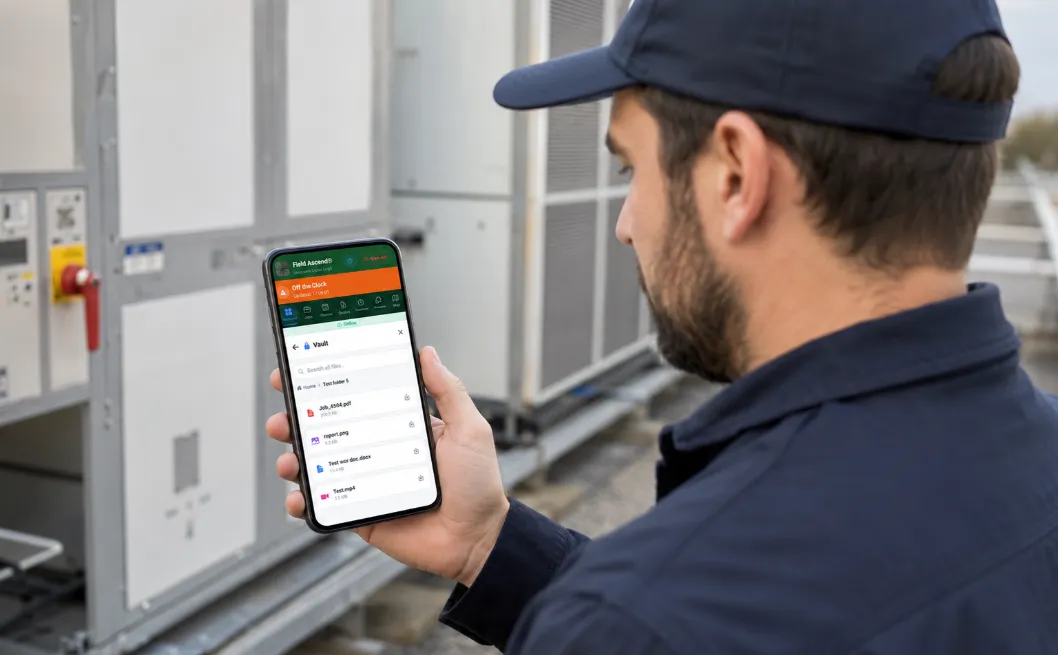
Documents are only useful if they are there when the technician is standing in front of the equipment. Vault is built into the Field Ascend mobile app, so technicians browse the folders they are allowed to see, open PDFs and images right inside the app, and download a file to the device when they need to open it elsewhere or share it.
No more calling the office to ask someone to email a manual. The wiring diagram, the SDS, the install guide - it is already in their hand.
Regulated trades generate a lot of paper. Inspection certificates, equipment O&M manuals, manufacturer service bulletins, warranty documents, and safety data sheets (SDS) all have to be kept, found, and shown on demand. Vault gives you a single, access-controlled home for the reference documents your compliance program depends on.
Keep your master SDS library where every technician can pull a sheet before handling a chemical on site. Store the certificate templates and signed reports your office issues. Hold the OSHA, EPA, and manufacturer documentation that an auditor or inspector might ask for - organized in folders rather than buried in a drive named "Compliance (old)".
Vault complements the compliance features already inside Field Ascend. Use electrical safety testing and the certificate builder to generate compliance documents, EPA 608 refrigerant tracking to log regulated data, and Vault to store and share the supporting manuals, method statements, and reference material your team needs to do the work correctly.
For teams that assign safety documentation to specific jobs - method statements, job hazard analyses, site rules - that work continues to live with the job and the lone worker safety tools. Vault is for the library-level documents that apply across many jobs and many technicians.
Field Ascend handles two different document problems, and it is worth knowing which is which.
Job documents and photos belong to a single work order. The before-and-after photos from Tuesday's call, the signed completion sheet, the customer email about that specific visit - they attach to the job and travel with it through quoting, scheduling, and invoicing.
Vault is your company-wide reference library. The install manual for a model you service across fifty sites, your master SDS binder, the employee handbook, the current price book - documents that apply across many jobs, customers, and technicians rather than to one visit.
Both live inside the same platform, so you are never running a separate document management system alongside your field service software. The same is true for your physical assets: tool tracking manages your contractor-owned tools, while CMMS and preventive maintenance manages customer equipment - and Vault holds the manuals and documentation that support all of it.
Any field service business whose technicians rely on manuals, certificates, or safety documentation benefits from keeping those files inside their FSM software rather than in a separate drive.
HVAC and refrigeration contractors carry manufacturer install and service manuals for dozens of models, plus SDS for refrigerants and chemicals. Pairing Vault with EPA 608 refrigerant tracking keeps both the regulated data and the supporting documents in one platform.
Electrical contractors reference wiring diagrams, panel schedules, and test standards on site, and need test certificates and reports stored against a clear audit trail alongside electrical compliance records.
Facility maintenance teams manage huge volumes of equipment O&M manuals, warranties, and site documentation across many buildings. A controlled document library means technicians find the right manual for the right asset every time.
Mechanical and commercial service contractors running preventive maintenance programs keep schematics, commissioning records, and procedures that technicians need on recurring visits - exactly the library-level content Vault is built for.
Vault is the document management module built into Field Ascend. It is a secure, shared file library for your whole company, so the same platform that runs your scheduling, dispatch, and work orders also stores your O&M manuals, certificates, safety data sheets, install guides, price books, and company policies. Instead of scattering files across email attachments, consumer cloud drives, and a shared network folder, your team has one organized, access-controlled place to find documents - in the office and out in the field.
Anything your team needs to reference: equipment O&M manuals, manufacturer install and service guides, certificates and inspection reports, safety data sheets (SDS), method statements and job hazard analyses, wiring diagrams and drawings, warranty documents, price books, employee handbooks, and standard operating procedures. Vault accepts PDFs, images, spreadsheets, and other common file types, and organizes them into folders you control.
Yes. Technicians open Vault directly in the Field Ascend mobile app, browse the folders they have permission to see, and view PDFs and images right inside the app. They can also download a file to the device to open it in another viewer or share it, and pin a folder to use it offline. Access is controlled by the same folder permissions used on the web, so technicians only see the documents you have allowed for their team.
Every folder has access rules. You can open a folder to everyone, restrict it to administrators, or grant access to specific teams, departments, or individual users. You also control who can upload versus who can only view and download. This means sensitive documents - like pricing, contracts, or HR files - stay limited to the right people, while shared references like manuals and SDS can be available to the whole field team.
Job documents and photos belong to a single work order - before-and-after photos, a signed sheet, a customer email for that specific visit. Vault is your company-wide reference library: documents that apply across many jobs, customers, and technicians, like the install manual for a model you service everywhere or your master SDS binder. Both live in Field Ascend, so you are not running a separate document management system alongside your field service software.
Vault files are held in dedicated, encrypted cloud storage with cross-region backup for disaster recovery. Files are scoped to your account, downloads are served through short-lived secure links rather than public URLs, and folder permissions govern who can reach each document. Because it is the same platform as your jobs and customers, you keep one security model and one audit trail instead of two.
Yes. Preview opens the file in Vault. Word, Excel, and PowerPoint convert the first time. Search is labeled Search names & contents… and matches file names and text inside documents. If you upload the same name in the same folder, the old file stays in Version history. Recent lists new uploads. On the app, pin a folder to use it offline. Vault is a paid add-on sold in 100 GB blocks.
Yes. Share externally creates a link that lasts 7, 30, or 90 days, or never. The recipient does not need a Field Ascend login. Revoke cuts the link. Sharing and version history sit in the office Vault. Technicians view, preview, download, and can pin a folder for offline use. Vault remains a paid add-on in 100 GB blocks.
Vault is an optional add-on. You add secure shared storage in 100 GB blocks at approximately $13 per 100 GB per month, on top of your Field Ascend plan, which starts at around $13 per user per month. There is no per-file fee and no separate document management subscription to manage - storage is billed alongside the platform you already use. See the U.S. pricing page for current details.
Start your 30-day free trial and see how document management, scheduling, and the mobile app work together in one platform. All core features included from day one.
Start Your Free Trial