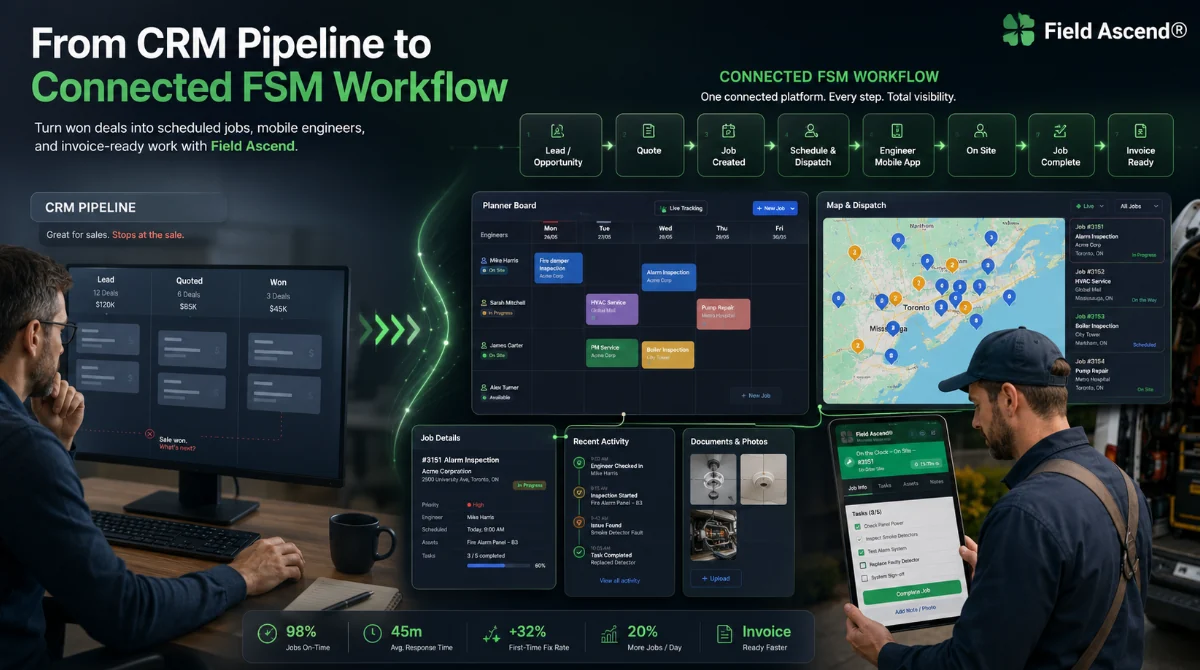
Short answer: a CRM is built around customers and sales activity. Field service management software is built around doing the work: scheduling work orders, sending technicians, capturing evidence, recording time, pricing labor and turning completed work into invoices.
For trade businesses, that difference matters because most operational profit is won or lost after the inquiry has already become a job.
What a CRM is built to do
A customer relationship management system is usually strongest before the job starts. It helps teams track contacts, prospects, leads, sales opportunities, notes, tasks and follow-ups. For office teams that sell projects or service contracts, that can be valuable.
But the daily work of an HVAC, electrical, plumbing, elevator, fire protection, drainage, home service or facilities maintenance company is not just a sales pipeline. It is a moving operational schedule with technicians, drive time, parts, customer sites, equipment history, safety checks, photos, signatures and billing.
Generic CRM focus
- Contacts and companies
- Lead and sales pipeline stages
- Email follow-ups and sales tasks
- Account notes and relationship history
FSM software focus
- Work orders and technician dispatch
- Sites, assets, preventive maintenance and service history
- Timesheets, labor rates and materials
- Estimates, invoices, job sheets and customer portals
Where generic CRM software starts to strain
Many contractors try to make a generic CRM act like a job management system. At first, this can look workable: add custom fields, create a few pipeline stages and attach documents to accounts. The problems usually appear when the business grows beyond a handful of people.
- Work orders are not naturally linked to technician timesheets, travel, job notes and materials.
- Dispatchers still need separate calendars, spreadsheets or dispatch boards.
- Technicians need a mobile workflow, not just a customer record.
- Asset history and preventive maintenance do not sit neatly inside sales records.
- Invoices have to be rebuilt from notes, emails, job sheets and manual time entries.
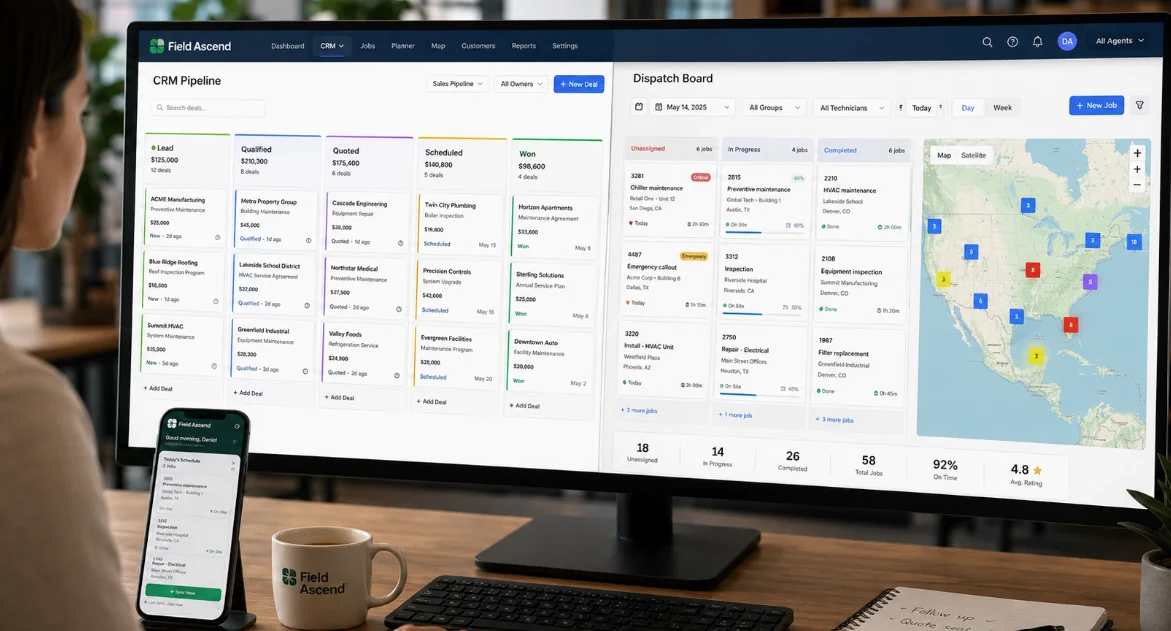
Why interconnected workflows matter in field service
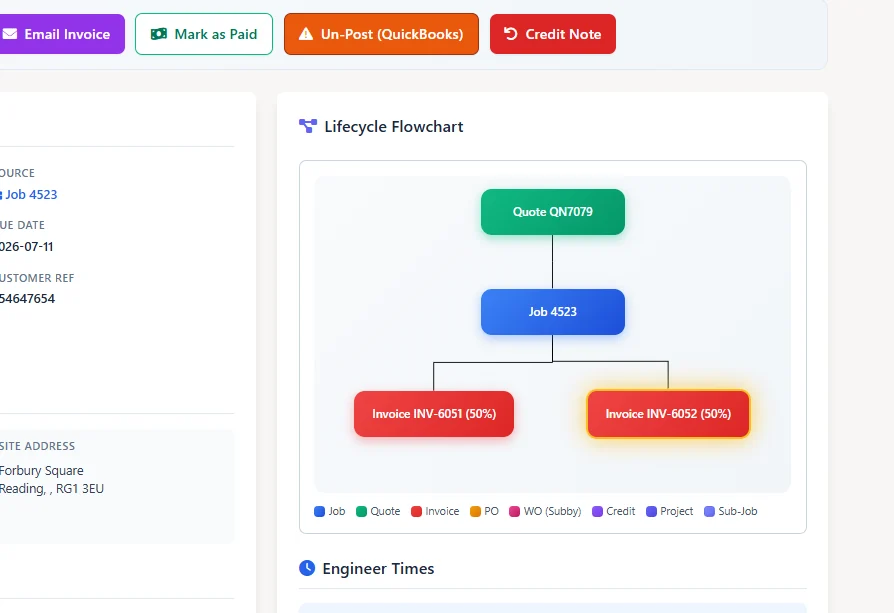
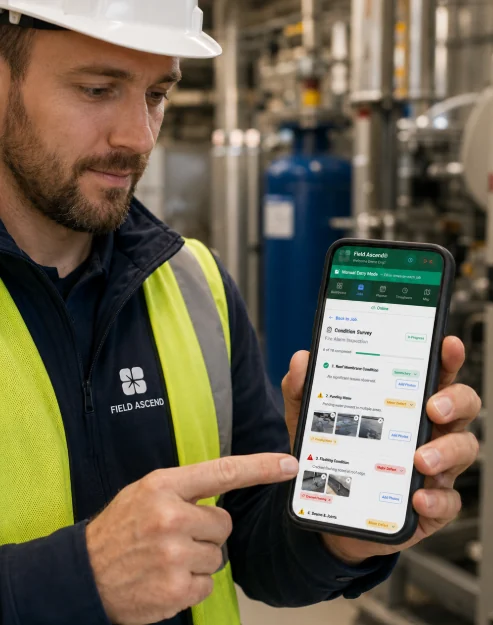
Field service management is not just a database of customers. It is an operational chain. An estimate becomes a job. A job appears on the planner. The technician sees it in the mobile field service app. Time, photos, notes, signatures and materials come back from the site. The office reviews the work order and raises the invoice.
When those steps are disconnected, admin work grows quietly. People copy information from one system to another. Job evidence gets buried in emails. Timesheets arrive late. Invoices wait for someone to interpret what happened on site.
CRM features are still useful, but they should not be isolated
This is not an argument against CRM. Trade businesses still need strong customer records, multiple contacts, site details, communication history and sales follow-up. The question is where those features live.
For field service teams, CRM works best when it is part of a wider job management software for contractors platform. That way a customer record is not just a static profile. It becomes the place where work orders, estimates, invoices, sites, assets, preventive maintenance visits and service history come together.
FSM is designed around the real contractor lifecycle
A good field service scheduling software system understands that the job lifecycle is more than sales activity. It needs planner views, technician allocation, status tracking, mobile updates, parts, labor, compliance and finance handoff.
- Scheduling and dispatch: work orders are planned around real technicians, skills, geography and availability.
- Mobile job completion: technicians update work from site, including offline when needed.
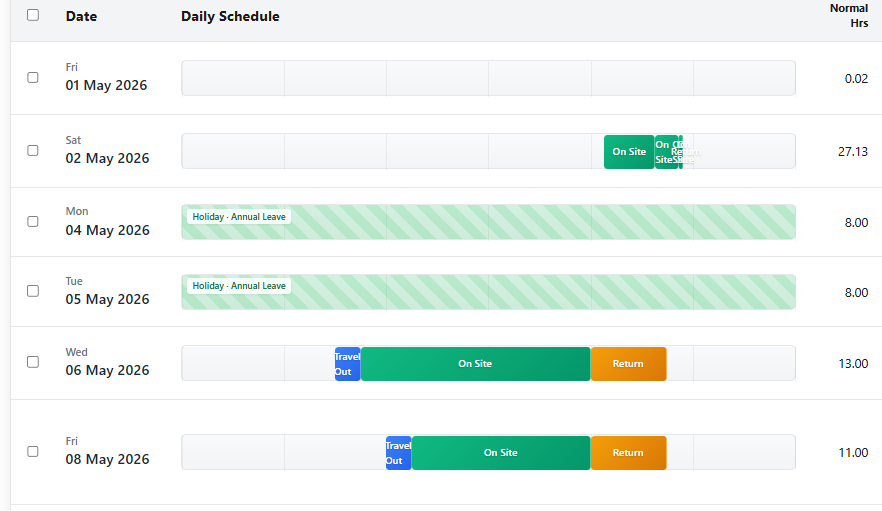
- Timesheets and labor: drive time and on-site time can be linked to the job record.
- Estimates and invoices: completed work flows into field service invoicing software.
- Maintenance and assets: preventive maintenance schedules and equipment history stay attached to the customer and site.
When should a contractor choose FSM over CRM?
If your main pain is pipeline visibility, a CRM may be enough. If your pain is missed work orders, dispatch chaos, late invoices, unclear technician updates, poor asset history or duplicated admin, you are probably looking for FSM.
Most growing trade businesses eventually need both sets of capability: customer management and field operations. Field Ascend takes the practical route by putting CRM-style customer records inside a full field service management platform.
FAQ
Is FSM the same as CRM?
No. CRM manages customers and sales relationships. FSM manages field service operations such as work orders, technicians, scheduling, timesheets, materials, assets and invoices.
Can a CRM be customized for field service?
It can often be customized, but custom fields and pipeline stages rarely replace native field service workflows. The more you need mobile job completion, preventive maintenance, timesheets, job costing and invoicing, the more an FSM system makes sense.
Does Field Ascend include CRM features?
Yes. Field Ascend includes customer, site and contact management, but those records are connected to work orders, estimates, invoices, equipment, documents and service history.